What Is a Good ANSI Lumens?
Navigating projector brightness metrics ensures you choose the right light output for your specific room conditions. Accurate lumen ratings prevent washed-out home theater images.

A good ANSI lumen rating depends heavily on ambient light control and screen size. Aim for 1,500 to 2,500 ANSI lumens for dedicated dark home theater rooms.
Ready to compare verified models? Start with our Best Lumens For Home Projector: Top Picks & Guide.
Practical Quick-Reference Table
| Scenario / Metric | Recommended Target | Why It Matters |
|---|---|---|
| Dedicated Dark Room | 1,500 - 2,000 ANSI Lumens | Preserves deep black levels and contrast ratios. |
| Living Room (Controlled Light) | 2,500 - 3,500 ANSI Lumens | Combats daytime ambient light without washing out. |
| High Ambient Light Space | 4,000+ ANSI Lumens | Maintains color saturation under indirect sunlight. |
| Screen Gain Factor | 1.0 to 1.3 Gain | Optimizes viewing angles and brightness reflection. |
| Throw Ratio Calculation | 1.2:1 to 1.8:1 | Ensures correct image sizing for your room layout. |
| Input Latency Target | Under 20ms | Provides responsive gaming and smooth frame delivery. |
Decoding the ANSI Lumen Standard for Projectors
The American National Standards Institute created the ANSI lumen measurement to standardize projector light output. This rigorous testing method averages light readings across a nine-zone checkerboard grid under controlled laboratory conditions.
Unlike arbitrary marketing lux claims, true ANSI ratings provide a reliable baseline for real-world performance. Manufacturers cannot inflate these numbers easily without violating strict testing protocols established by the imaging industry.
Understanding this metric helps buyers separate professional optical engineering from misleading consumer specifications. Every serious home theater enthusiast should ignore unverified brightness terms and focus solely on certified ANSI output.
- Measures light across nine distinct screen zones.
- Eliminates manufacturer marketing exaggeration tactics.
- Standardizes white field and color brightness values.
- Provides a baseline for contrast ratio calculations.
The Evolution of Optical Brightness Standards
Early projection technology relied on inconsistent incandescent bulbs. Today's smart setups, detailed in our epson 2350 review, utilize advanced 3LCD optical engines to deliver stable, calibrated brightness.
Modern solid-state light sources like lasers and LEDs maintain their rated output longer. Traditional lamps degrade quickly, losing up to fifty percent of their initial ANSI brightness over two thousand operating hours.
- Replaced subjective bulb descriptions with math.
- Accounted for progressive lamp lumen decay over time.
- Unified laser, LED, and lamp testing metrics.
Calculating Required Output for Controlled Dark Rooms
Dedicated home theaters with total light control require significantly lower lumen output than multipurpose living spaces. Excessive brightness in a pitch-black room causes eye fatigue and washes out shadow details.
For a standard one-hundred-and-twenty-inch diagonal screen in a bat-cave environment, 1,500 to 2,000 ANSI lumens is the sweet spot. This range preserves deep black levels while delivering punchy highlights in HDR content.
Exceeding this threshold in a dark room forces the iris to close down, crushing shadow gradients. Balancing light output with your screen size ensures optimal dynamic range without clipping bright whites.
- Ideal range is 1,500 to 2,000 ANSI lumens.
- Prevents eye strain during extended movie viewing sessions.
- Maintains accurate black floor performance on dark scenes.
- Preserves delicate HDR white highlights without blooming.
The Role of Screen Size and Throw Distance
As image size increases, light spreads across a larger surface area, reducing foot-lamberts. For tight spaces, consider our best 4k short throw projector recommendations to maximize brightness and maintain sharp optical resolution.
Always calculate your throw distance and screen gain alongside ANSI lumen output. Inverse square law dictates that doubling your throw distance reduces image brightness by seventy-five percent.
- Larger screens dilute available foot-lamberts significantly.
- Throw distance directly affects perceived image brightness.
- Account for inverse square law during room planning.
Video Walkthrough: Projector’s Brightness x Ambient light | 200lm/3000lm
Addressing Ambient Light in Living Room Spaces
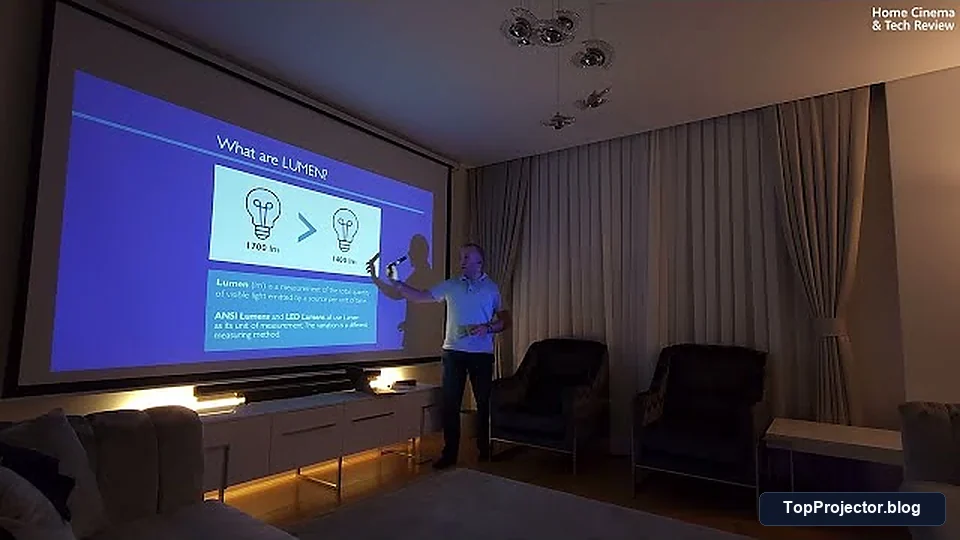
Placing a projector in a bright living room completely changes your lumen requirements. Ambient room light competes directly with the projected image, destroying contrast and turning deep blacks into gray.
To combat daytime illumination effectively, use our ansi lumens room calculator to target 3,000 to 4,000 ANSI lumens or higher for clear sports and television broadcasts.
Combining high ANSI output with specialized optical coatings is mandatory for daytime viewing. Without adequate lumens, your investment in a high-end 4K optical engine will look washed out.
- Target 3,000 to 4,000 ANSI lumens for bright rooms.
- Daytime sports require high light output to remain clear.
- Ambient light washes out contrast and black levels.
- High lumen output prevents washed-out, milky images.
Managing Windows and Indirect Sunlight
Controlling environmental light sources remains crucial even with high-lumen projectors. Direct sunlight hitting the screen will overpower any consumer projection system currently available on the market.
Use blackout curtains or motorized blinds to manage uncontrolled windows effectively. Pairing light control with a high-lumen laser projector yields stunning daytime performance in living spaces.
- Direct sunlight overpowers even high-lumen projectors.
- Blackout shades are necessary for optimal living room setups.
- Combine window treatments with robust optical engines.
Screen Gain, Material, and Light Reflection Dynamics
Your projection screen acts as an optical amplifier that profoundly alters perceived brightness. A screen with a 1.0 gain rating reflects light uniformly in all directions without altering the source image.
High-gain screens concentrate reflected light toward the viewer, boosting apparent brightness significantly. However, this gain often introduces narrow viewing angles and noticeable hot-spotting across the projected surface.
Ambient Light Rejecting materials absorb off-axis room light while reflecting the projector beam forward. These specialized screens compensate for lower projector lumen output in bright living room environments.
- Neutral 1.0 gain provides wide, uniform viewing angles.
- High-gain surfaces can cause annoying image hot-spotting.
- ALR materials reject ceiling and side ambient light sources.
- Screen material selection directly impacts effective lumen output.
Choosing Between White and Gray Screen Surfaces
White screens maximize color fidelity and white peak brightness in dark rooms. They represent the standard choice for dedicated home theaters where ambient light is completely eliminated.
Gray screens absorb ambient light better, enhancing perceived contrast and black levels. Pairing a gray screen with a high-lumen laser engine delivers exceptional daytime punch and contrast.
- White screens optimize pure color accuracy in dark rooms.
- Gray surfaces absorb ambient light to improve contrast.
- Match screen color to your specific room lighting conditions.
Common Pitfalls in Manufacturer Brightness Claims
Navigating projector specifications requires caution regarding unverified brightness terminology. Reviewing our ansi lumens guide helps buyers avoid inflated LED numbers that violate true optical standards.
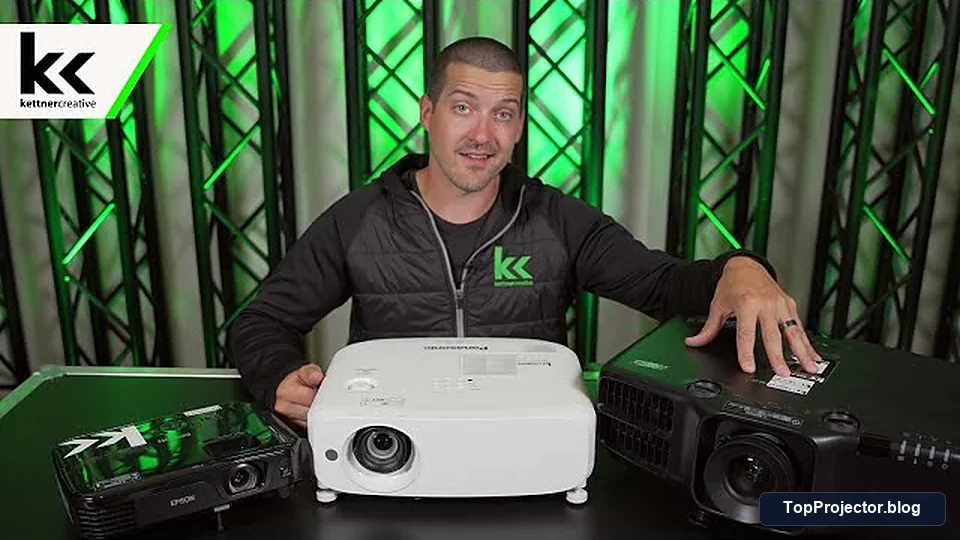
LED lumens often look impressive on paper because human eyes perceive saturated colors as brighter than they actually are. Real-world ANSI measurements consistently reveal that actual white output is much lower than advertised.
Always demand verified third-party reviews and official ANSI lumen specifications before purchasing. Relying on marketing jargon frequently leads to disappointing picture quality in real-world viewing environments.
- Beware of unverified LED and source lumen claims.
- Marketing terms often inflate true white light output.
- Third-party testing provides reliable performance metrics.
- Verify ANSI specifications before committing to a purchase.
Color Brightness Versus White Brightness Discrepancies
Many single-chip DLP projectors boast high white lumen ratings while lagging in color brightness. This imbalance results in muted, washed-out colors during complex cinematic scenes.
Look for projectors that balance white and color brightness equally for vibrant imagery. Equal output ensures that saturated cinematic colors pop just as vividly as bright white elements.
- Check for balanced white and color light output.
- Single-chip DLP units can suffer from muted color brightness.
- Equalized lumens ensure vibrant, lifelike cinematic palettes.
Step-by-Step Practical Calibration and Setup
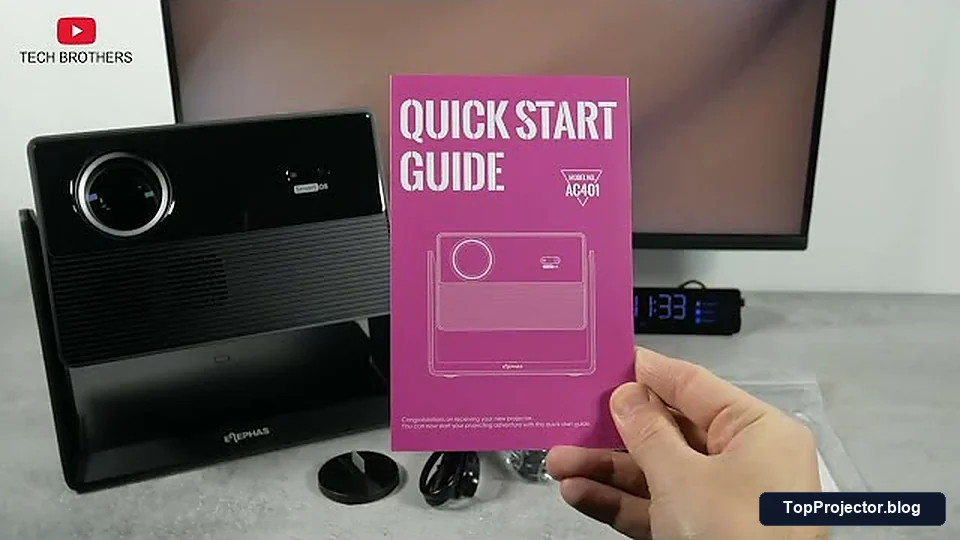
Properly calibrating your projector unlocks the full potential of its ANSI lumen output. Start by positioning the unit squarely to the screen to eliminate digital keystone distortion and light loss.
Adjust your laser or lamp power mode to match your current room lighting conditions. Eco mode reduces fan noise and extends bulb life while delivering optimal dark room brightness.
Fine-tune contrast and gamma settings using test patterns to prevent white clipping. Correct calibration ensures that bright highlights retain detail without blooming into surrounding dark areas.
- Mount the projector squarely to avoid keystone distortion.
- Utilize Eco mode for quieter operation and longer lamp life.
- Calibrate gamma and contrast using standard test patterns.
- Ensure proper airflow around the chassis during extended use.
Fine-Tuning Gamma and Contrast for HDR Content
HDR content demands precise tone mapping to handle wide dynamic range signals correctly. Adjusting your projector's internal gamma curves prevents bright scenes from clipping into solid white areas.
Verify that your dynamic iris settings operate smoothly without audible mechanical clicking. Proper calibration balances peak white punch with rich shadow detail across all sources.
- Configure tone mapping carefully for HDR video sources.
- Prevent bright highlights from clipping into solid white.
- Verify that dynamic iris functions smoothly and quietly.
Frequently Asked Questions
What is the difference between ANSI lumens and regular lumens?
ANSI lumens follow a standardized testing protocol established by the American National Standards Institute. Regular lumens often represent unverified manufacturer claims that do not reflect real-world performance.
How many ANSI lumens do I need for a brightly lit living room?
You should look for a projector producing at least 3,000 to 4,000 ANSI lumens for bright living spaces. This high output ensures the image remains vibrant and visible during daytime viewing.
Can a projector be too bright for a dark home theater room?
Yes, excessive brightness in a pitch-black room causes eye strain and washes out delicate shadow details. Aim for 1,500 to 2,000 ANSI lumens to maintain optimal contrast and black levels.
Do laser projectors maintain their ANSI lumen brightness over time?
Laser light engines degrade much slower than traditional high-pressure mercury lamps. Quality laser units typically retain high brightness for over twenty thousand hours of continuous use.
Does screen size affect how many ANSI lumens you need?
Larger projection screens spread light across a wider surface area, reducing foot-lamberts. Always scale your ANSI lumen target upward when planning screens exceeding one hundred and fifty inches.