What Is 300 ANSI Lumens?
Discover how 300 ANSI lumens performs in dark spaces and why standardized light measurements prevent misleading marketing exaggeration.
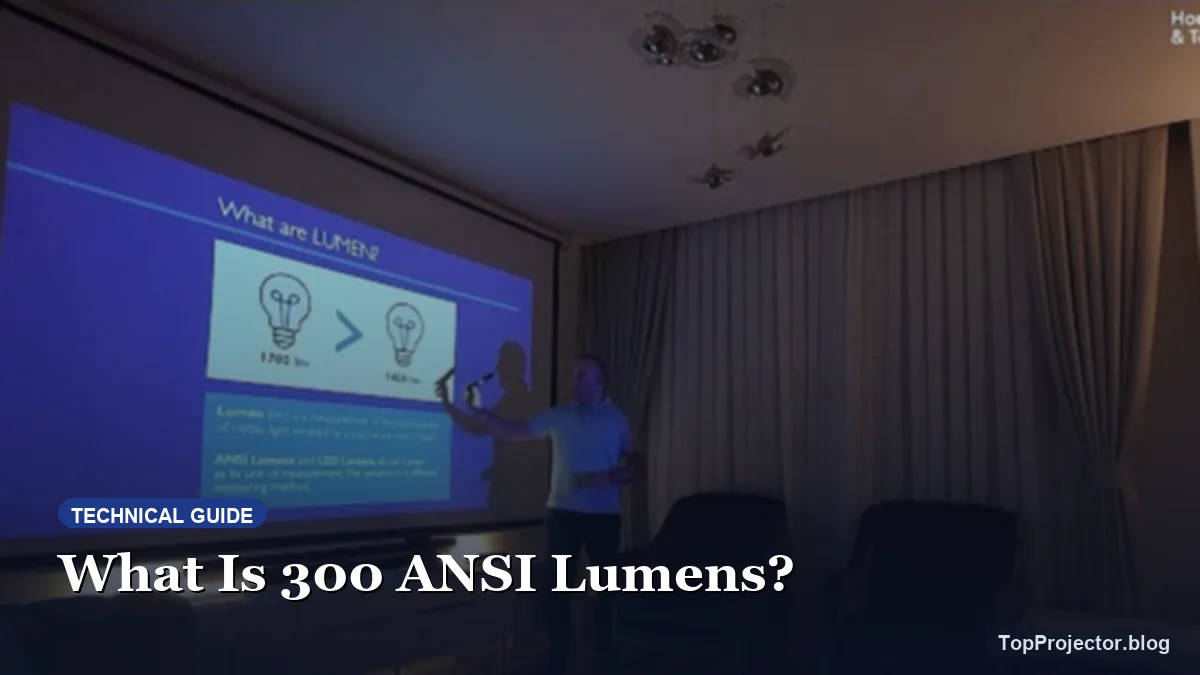
300 ANSI lumens delivers a watchable cinematic image only in complete darkness on projection screens under 80 inches diagonal.
Ready to compare verified models? Start with our Best 300 Dollar Projector: Top Home Cinema Picks.
Practical Quick-Reference Table
| Scenario / Metric | Recommended Target | Why It Matters |
|---|---|---|
| Brightness Rating | 300 ANSI Lumens | Measures true light output using strict laboratory standards. |
| Max Screen Size | 70 to 80 Inches | Prevents image washout and maintains acceptable contrast levels. |
| Ambient Lighting | Pitch-Dark Room | Eliminates competing light sources that overpower low outputs. |
| Throw Distance | 4 to 7 Feet | Retains optical energy density before light dispersion occurs. |
| Screen Gain | 1.0 to 1.3 Gain | Maximizes reflected light return without narrowing viewing angles. |
| Input Resolution | 1080p Native | Matches chip pixel density with available optical sharpness. |
Decoding the ANSI Lumen Standard in Modern Projection
Understanding ANSI lumens requires looking past manufacturer marketing claims to examine standardized testing procedures established by the American National Standards Institute.
This specific metric measures the total amount of light emitted across a nine-point grid on a projection screen under controlled laboratory conditions.
Unlike generic LED or source lumens that measure raw bulb output at the diode, ANSI ratings reflect actual usable light reaching your viewing surface.
When evaluating compact or budget optical engines, distinguishing between true ANSI specs and misleading marketing metrics protects your home theater investment.
Understanding ANSI lumens requires analyzing the standardized nine-point grid measurement method established by the American National Standards Institute to prevent inflated manufacturer claims and ensure reliable optical performance comparisons.
- Establishes a rigorous baseline for comparing different projector technologies.
- Measures light uniformity across nine distinct screen quadrants.
- Eliminates exaggerated manufacturer claims based on raw diode output.
- Provides predictable performance expectations for dark-room viewing environments.
Why Standardized Testing Matters for Buyers
Unregulated brightness terms often confuse consumers, making it crucial to evaluate ANSI lumens against real-world dark room performance before browsing our best projector cinema selections.
Relying on verified ANSI measurements ensures your chosen projector possesses enough optical power to illuminate a small screen adequately.
Without this standardized yardstick, comparing two different pico projectors becomes an unreliable guessing game of inflated numbers.
- Protects consumers from deceptive lumen inflation tactics.
- Ensures fair performance benchmarks across competing brands.
Verifying Manufacturer Light Output Claims
When evaluating portable display hardware, always cross-reference marketing metrics with independent laboratory tests measuring true calibrated white levels under strict 6500K color temperature targets.
Generic light ratings often exploit narrow spectrum spikes that distort skin tones, making verified ANSI specifications absolutely essential for accurate home theater color reproduction.
Real-World Performance Expectations for 300 Lumens
A light output of 300 ANSI lumens occupies the ultra-portable category, designed primarily for intimate, dark-room viewing scenarios.
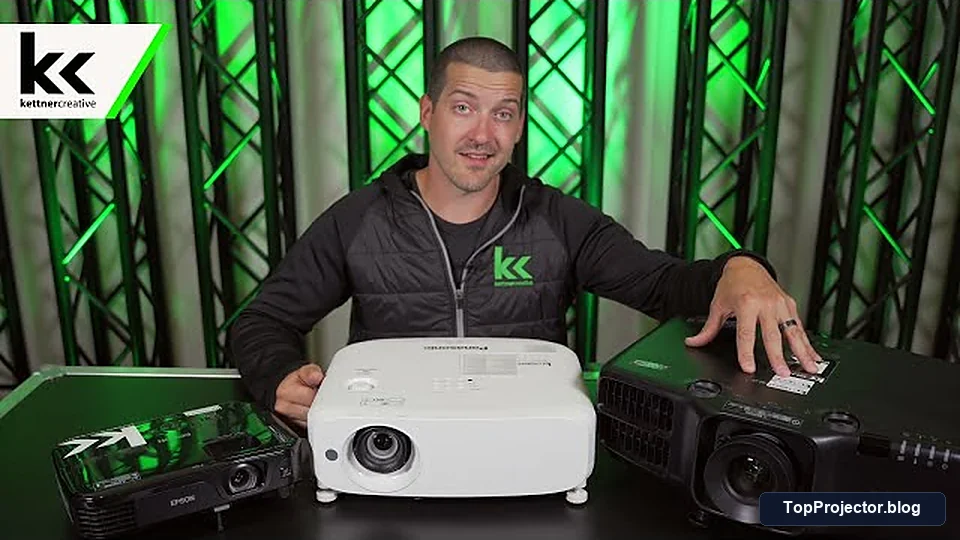
Attempting to use this brightness level in a brightly lit living room results in a washed-out, barely visible picture.
Dedicated home theater enthusiasts utilize this specific tier exclusively for bedroom setups, small dens, or nighttime patio viewings.
Managing your expectations regarding contrast and dynamic range ensures you appreciate the strengths of low-output portable projectors.
Operating a 300 ANSI lumen light engine demands complete environmental darkness, a factor further analyzed in our projector brightness guide for calculating ambient light rejection limits.
- Excels in light-controlled environments like pitch-black bedrooms.
- Fails completely in rooms with ambient daylight or overhead lamps.
- Delivers intimate cinematic experiences without fan noise bloat.
- Requires careful management of content shadow details.
Evaluating Contrast and Black Levels
Low-output projectors inherently struggle with perceived contrast because ambient reflections easily overpower dark image areas.
Pairing 300 lumens with a high-contrast matte white screen helps preserve shadow details in dark movie scenes.
Native contrast ratios of the digital micromirror device or LCD panel dictate how deep your blacks appear.
- Perceived contrast drops significantly with any ambient light.
- Matte grey screens help boost black levels in untreated rooms.
Optimizing Low-Light Visual Dynamics
Adjusting your source device video output to a limited RGB range can prevent crushed blacks when projecting low-lumen content in controlled dark room environments.
Pairing this brightness tier with a high-gain retroreflective screen helps bounce narrow light beams directly back to viewers, boosting perceived image punch.
Video Walkthrough: Projector ANSI Lumens Brightness \u0026 Screen Size Guide - How much do you need?
Screen Size and Throw Distance Limitations
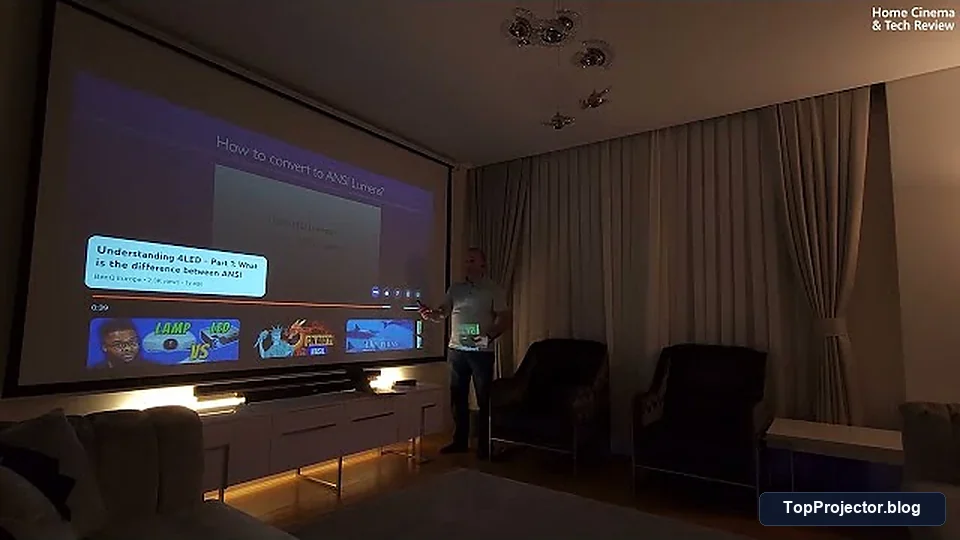
Projecting an image spreads finite optical energy across a larger physical surface area, reducing overall luminance intensity exponentially.
Limiting your screen diagonal to 70 or 80 inches keeps pixel brightness high, which you can map precisely using our screen size and viewing distance calculator before mounting.
Pushing a 300 ANSI lumen engine beyond a hundred inches results in a dim, milky picture devoid of punchy highlights.
Keeping the throw distance short concentrates the available light beam into a dense, vibrant rectangular frame.
Pushing a 300 lumen optical source beyond an eighty-inch diagonal image drastically dilutes surface luminance below recommended cinema thresholds, severely washing out vibrant highlights.
- Keep diagonal screen size under 80 inches for best results.
- Shorter throw distances concentrate light intensity effectively.
- Oversizing the image causes severe loss of specular highlights.
- Calculate foot-lambert output carefully for your specific screen size.
Calculating Foot-Lambert Output
Foot-lamberts measure the reflected light returning from your projection screen toward the primary seating position.
Targeting at least 12 to 16 foot-lamberts ensures a vibrant image for standard dynamic range cinematic content.
Lower lumen engines struggle to maintain this threshold on large screens without specialized high-gain fabrics.
- Aim for adequate foot-lambert metrics for SDR viewing.
- High-gain screens reflect more light toward seated viewers.
Calculating Optimal Throw Ratios
Utilizing shorter throw ratios between 1.2:1 and 1.4:1 concentrates photon density over a smaller surface area, maximizing your perceived image brightness and contrast depth.
Always measure your exact lens-to-screen distance carefully to prevent optical defocusing and edge distortion common in compact portable projection chassis designs.
Ambient Light Interferences and Room Control
Ambient light is the primary enemy of low-brightness projectors operating at the 300 ANSI lumen threshold.
Even minimal light pollution from streetlamps or hallway gaps ruins the perceived dynamic range of projected images.
Achieving optimal visual fidelity demands heavy blackout curtains and complete control over interior architectural lighting.
Treating your projection room with dark, non-reflective wall paint prevents stray light from bouncing back onto the screen.
Ambient daylight introduces stray photons that completely overwhelm low-output optical engines, destroying native black levels and rendering 300 ANSI lumens practically invisible.
- Install heavy blackout blinds to eliminate daytime sunlight.
- Turn off all interior lamps and adjacent hallway lights.
- Use matte dark paint on walls near the projection screen.
- Avoid placing projectors near windows or reflective surfaces.
Mitigating Parasitic Light Reflections
Stray light bouncing off white ceilings degrades black floors and flattens out vibrant cinematic color palettes.
Blackout velvet borders around your screen absorb stray photon overspray and sharpen perceived contrast.
Controlling reflection paths maximizes the visual impact of limited optical power, similar to the high-contrast laser performance highlighted in our Hisense PX3 Pro review for dedicated media rooms.
- Ceiling reflections reduce overall picture punchiness.
- Velvet frames absorb optical overspray cleanly.
Advanced Light Control Strategies
Installing heavy blackout curtains with side channel tracks eliminates micro-leaks of sunlight, creating the pitch-black cavern required for micro-projector usability.
Avoid standard matte white surfaces if any ambient light is present, opting instead for specialized ALR screens designed to reject off-axis environmental illumination.
Converting Miscellaneous Brightness Metrics to ANSI
Many budget manufacturers utilize non-standard terms like LED lumens or lux to inflate the perceived brightness of cheap hardware.
Converting unregulated marketing figures to true ANSI equivalents usually reveals a dramatic reduction in actual optical output.
As a general rule, divide unverified source LED lumen claims by a factor of two point five to three.
Insisting on verified ANSI specifications protects you from purchasing underpowered projection gear that disappoints during movie nights.
Marketing terms like LED lumens or source lumens frequently inflate real optical output by up to three hundred percent compared to true standardized ANSI measurements.
- Be skeptical of unverified LED or bulb lumen ratings.
- Apply conversion factors to estimate true ANSI performance.
- Look for independent third-party reviews verifying optical output.
- Prioritize standardized testing over marketing buzzwords.
Understanding the Lux Metric Confusion
Lux measures luminous flux per unit area, making it highly dependent on the exact distance between the meter and light source.
Manufacturers often quote high lux figures measured merely inches away from the optical lens surface.
True ANSI lumen testing integrates light across the entire screen area at standardized viewing distances.
- Lux ratings change based on proximity to the lens.
- ANSI standards provide uniform whole-screen measurement.
Decoding Lumen Conversion Math
Divide published LED lumen figures by a conversion factor of 2.4 to 3.0 to estimate actual ANSI output for realistic theater planning.
Always demand verified ANSI metrics directly from manufacturers before purchasing compact LED projectors to avoid severe disappointment during nighttime viewing sessions.
Calibration and Performance Optimization Techniques
Calibrating your projector's color temperature and gamma settings maximizes the visual efficiency of limited light engines.
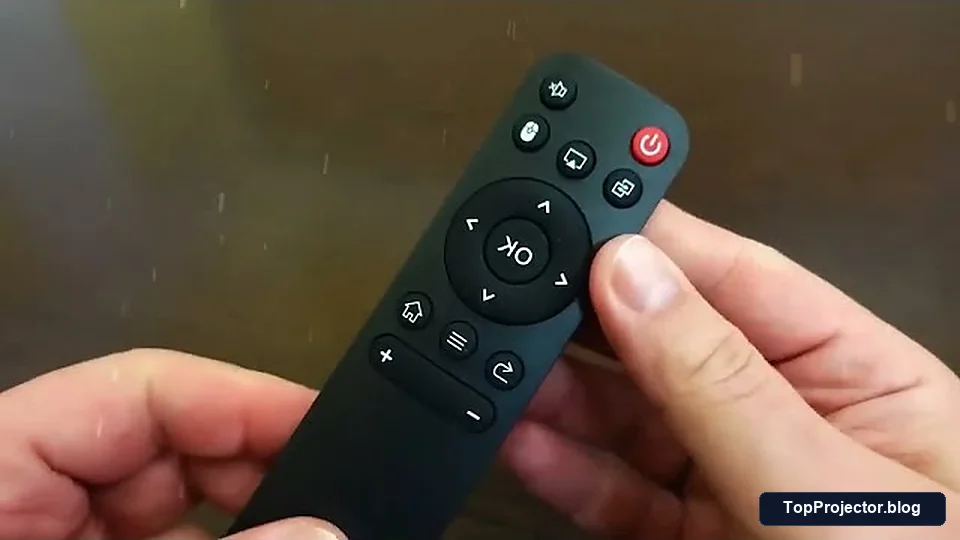
Selecting the Cinema or Movie preset delivers more accurate color tracking than overly bright dynamic modes.
Avoid aggressive lamp eco modes if your specific environment requires every ounce of available optical power.
Regularly cleaning optical lens elements and air intake filters prevents dust buildup from dimming your projected image further.
Accessing your projector hidden service menus allows fine-tuning of RGB gain controls to achieve a precise D65 white point without sacrificing precious lumens.
- Choose accurate color presets over boosted dynamic modes.
- Keep internal optical paths and lenses free from dust.
- Balance lamp power settings with acoustic fan noise limits.
- Calibrate gamma curves to preserve shadow detail.
Maintaining Optimal Optical Path Clarity
Dust accumulation on internal LCD panels or DLP mirrors reduces light transmission and creates blurry patches.
Using canned air carefully around ventilation ports keeps internal cooling efficient and optical elements clean.
Preventing smoke and dust exposure extends the operational lifespan of portable LED engines.
- Dust degrades light output and creates blurry spots.
- Clean ventilation ports regularly to protect optics.
Firmware and Gamma Adjustments
Setting your gamma curve to 2.4 enhances shadow separation in dark scenes, compensating for the inherent contrast limitations of low-output light engines.
Ensure your HDMI dynamic range setting matches your playback source precisely to prevent crushed shadows and clipped highlight bright details.
Comparison Checklist for Portable and Pico Projectors
Choosing a compact projector involves balancing physical weight, battery capacity, resolution, and true ANSI brightness.
Models rated around 300 ANSI lumens typically feature integrated rechargeable batteries for cordless outdoor operation.
Verify that built-in smart streaming interfaces support your preferred media apps without lagging or dropping frames.
Weighing these specific hardware factors ensures you select a portable projector that fits your exact lifestyle needs.
Evaluating ultra-portable projectors requires balancing internal battery capacity against thermal management constraints that directly dictate sustained light output stability over time.
- Check battery runtimes for cordless outdoor movie sessions.
- Verify native display resolution matches your media sources.
- Assess internal speaker quality and Bluetooth audio latency.
- Confirm tripod mount compatibility for flexible placement.
Assessing Battery Power Versus Brightness
Operating a projector on internal battery power often forces the optical engine into an energy-saving dim mode.
Plugging the device into a wall outlet unlocks full 300 lumen output for maximum picture clarity.
Review power management specifications before planning extended off-grid viewing sessions.
- Battery mode frequently reduces maximum light output.
- AC power unlocks full optical performance capability.
Hardware Feature Checklist
Verify that the chassis includes a sturdy threaded tripod mount and robust keystone correction to simplify rapid physical alignment in temporary setups.
Check for modern USB-C Power Delivery support to enable convenient field charging via high-capacity external power banks during extended mobile use.
Frequently Asked Questions
Is 300 ANSI lumens bright enough for a living room?
No, 300 ANSI lumens is far too dim for a standard living room with ambient light. You need total darkness or a much brighter engine exceeding 2000 lumens.
What is the ideal screen size for 300 ANSI lumens?
Stick to a screen diagonal between 60 and 80 inches to maintain an acceptable picture. Exceeding this range results in a severely washed-out image.
How do ANSI lumens differ from regular LED lumens?
ANSI lumens measure standardized whole-screen illumination across nine points. Regular LED lumens often measure raw, unverified diode output at the source.
Can I use a 300 lumen projector outdoors during daytime?
Daytime outdoor use is impossible with 300 lumens because sunlight easily overpowers the weak beam. Reserve outdoor viewing strictly for after sunset.
Do I need a special screen for low-brightness projectors?
A high-contrast matte white screen with a 1.0 gain rating works best in dark rooms. Avoid ambient light rejecting screens designed for ultra-short throw lasers.