Epson EB-535W Throw Distance Calculator
Master ultra-short-throw positioning mathematics for the Epson EB-535W projector. Learn precise throw ratios and mounting configurations.
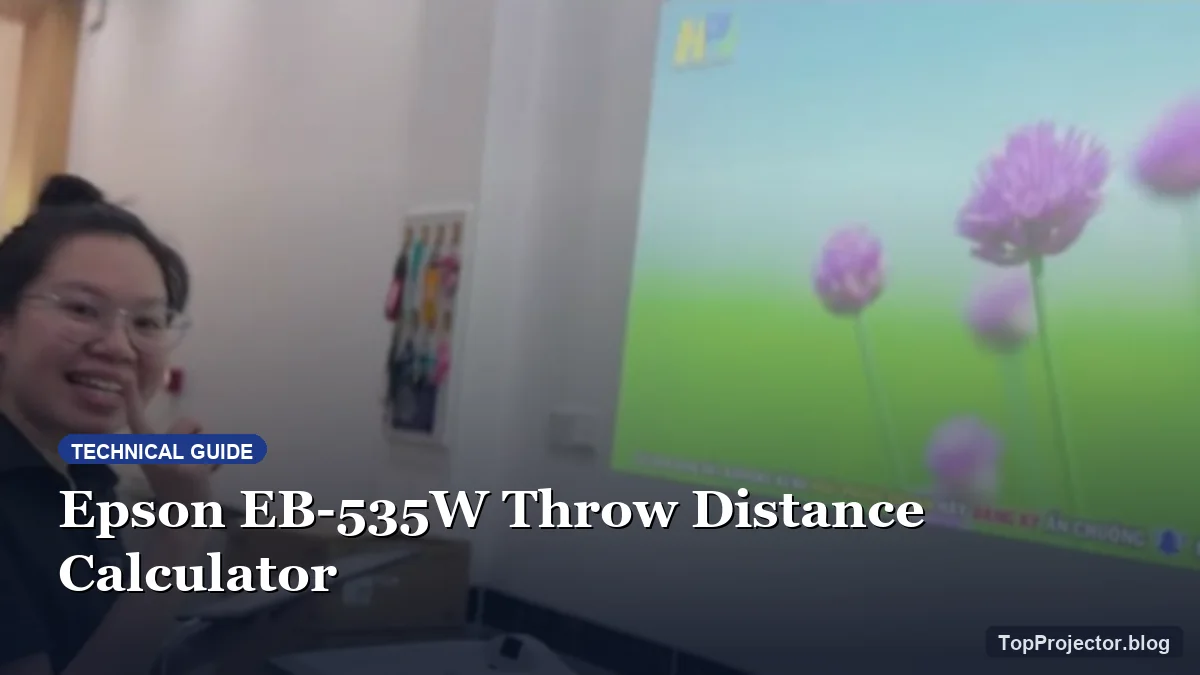
The Epson EB-535W utilizes an ultra-short-throw design requiring just 0.48:1 throw ratio to project a large image. Always measure your precise lens-to-screen distance before drilling permanent wall mounts.
Ready to compare verified models? Start with our Best Throw Projector: Top Home & Outdoor Picks (2026).
Practical Quick-Reference Table
| Scenario / Metric | Recommended Target | Why It Matters |
|---|---|---|
| Throw Ratio | 0.48:1 optical design | Enables huge images from inches away. |
| Native Resolution | 1280x800 WXGA | Matches modern widescreen laptop outputs. |
| Light Output | 3,400 ANSI lumens | Maintains clarity in lit rooms. |
| Aspect Ratio | 16:10 widescreen | Prevents scaling distortion for docs. |
| Interface Standards | Dual HDMI with MHL | Ensures uncompressed digital signals. |
| Mounting Type | Heavy-duty wall bracket | Prevents mechanical sag and vibration. |
Understanding Ultra-Short-Throw Optics and the Epson EB-535W Engine
Ultra-short-throw projection eliminates presenter shadows by placing the optical engine inches from the display surface. The Epson EB-535W is engineered specifically for education and corporate presentation environments needing massive screens.
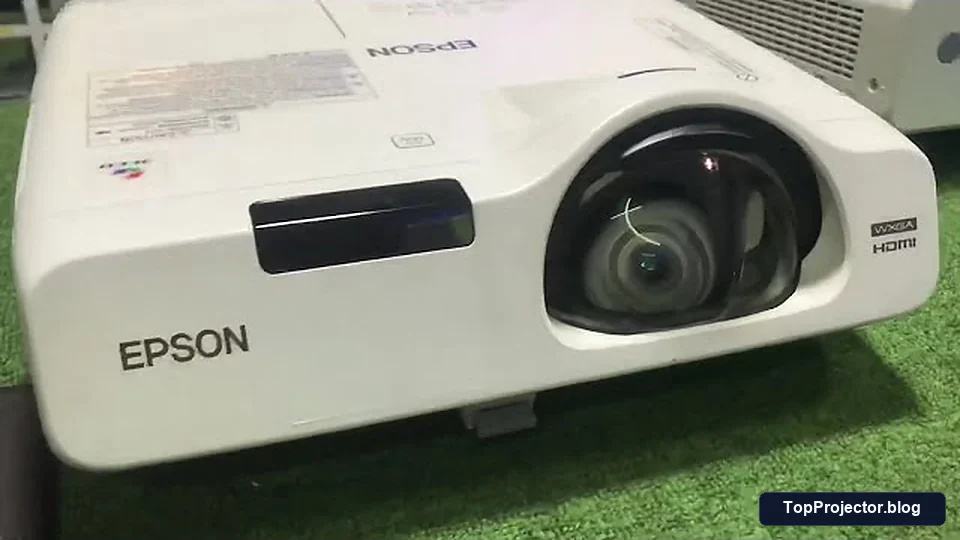
Traditional projectors require long ceiling distances, but short-throw models bypass spatial constraints entirely. This design is ideal for cramped rooms where conventional mounting creates severe installation obstacles or dangerous optical obstructions.
- Eliminates harsh presenter shadows on screen
- Operates inches from the display surface
- Bypasses traditional room spatial limits
- Prevents direct blinding light in eyes
Native WXGA Resolution and 3LCD Light Output
Featuring 3,400 ANSI lumens of brightness, this model matches options found in our best budget projector for outdoor use guide. The 3LCD engine eliminates rainbow artifacts while preserving vibrant saturation.
Native WXGA resolution delivers 1280x800 pixels in a widescreen 16:10 aspect ratio. This resolution matches modern laptop outputs perfectly, preventing scaling distortion and keeping spreadsheets and instructional videos sharp.
- Delivers 3,400 ANSI lumens brightness
- Utilizes 3LCD technology for pure color
- Native 1280x800 pixel WXGA resolution
Calculating Throw Distance and Screen Size Mathematics
Calculating throw distance demands precise mathematical formulas based on your target screen diagonal. You can easily estimate these ratios using our interactive throw distance calculator for accurate room planning.
Because optical tolerances are unforgiving at ultra-short distances, even a half-inch mounting error shifts geometry. Accurate calculation prevents unexpected image cropping and ensures the projected light aligns perfectly with your whiteboard borders.
- Requires precise lens-to-screen measurements
- Accounts for screen diagonal and width
- Prevents severe edge cropping errors
- Guarantees accurate frame alignment
Interpreting the Specific Throw Ratio
The 0.48:1 throw ratio means that for every foot of image width, the projector sits approximately six inches away. A typical eighty-inch diagonal widescreen image requires a remarkably short lens-to-screen distance.
This extreme angle requires a specialized aspheric mirror inside the lens assembly to bend light downward. Understanding this optical path helps installers avoid shadowing the top corners of the projected frame.
- Leverages a 0.48:1 optical multiplier
- Employs an internal aspheric mirror
Video Walkthrough: Epson Throw Distance Calculator for Standard Projectors
Practical Classroom and Conference Room Installation Realities
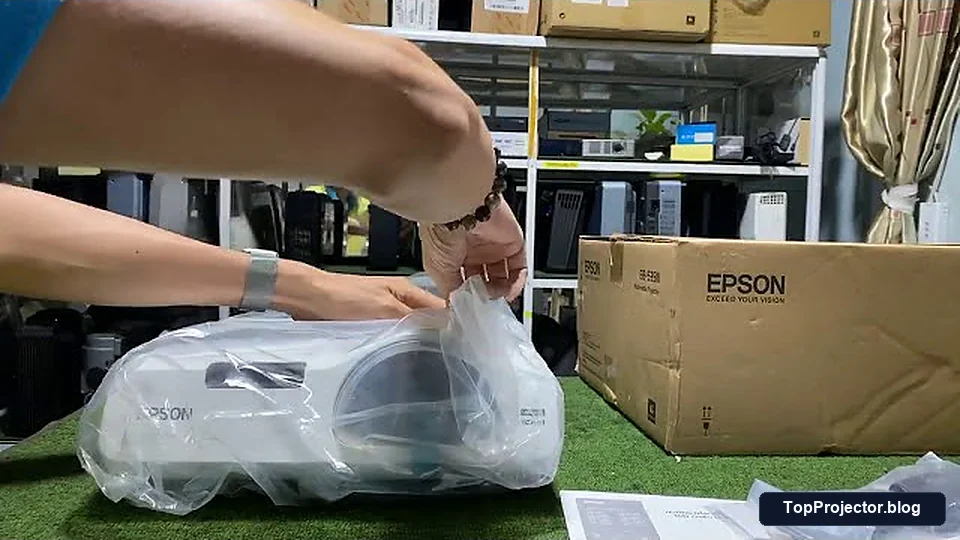
Installing an ultra-short-throw projector requires robust mounting hardware capable of supporting mechanical leverage. Because the projector extends outward from the wall, torque on the mounting bracket demands heavy-duty wall anchors.
Professional installers must account for whiteboard frames, marker trays, and integrated interactive whiteboards. Clear clearance around the lower bezel ensures the projected light cone reaches the absolute bottom edge without obstruction.
- Demands heavy-duty wall mounting anchors
- Accounts for whiteboard frames and trays
- Ensures unobstructed lower light cones
- Requires secure mechanical leveling
Wall-Mount Positioning and Offset Alignment
The proprietary Epson wall mount offers multi-axis adjustment plates for precise mechanical alignment. For screen sizing guidance, read our comprehensive Epson projector screen calculator guide to optimize your setup geometry.
Vertical offset is fixed by the specialized optical geometry, meaning height adjustments must happen at the bracket. Always measure the vertical drop from the center of the lens to the screen top.
- Features multi-axis mechanical adjustment
- Preserves native pixel mapping sharpness
Maximizing Image Geometry via Keystone and Digital Correction
Digital keystone correction alters pixel maps, which can introduce artifacts and reduce effective resolution. Whenever possible, rely on physical mount adjustments rather than aggressive digital shaping to square up your image.
The EB-535W includes horizontal and vertical correction sliders for minor alignment tweaks. Utilizing these tools sparingly maintains optimal text legibility and prevents gray border artifacts from bleeding into your presentation background.
- Minimizes reliance on digital keystone
- Preserves native panel resolution
- Features horizontal and vertical sliders
- Prevents jagged diagonal text lines
Mitigating Geometric Distortion Without Resolution Loss
Imperfect wall surfaces can warp ultra-short-throw projections due to the extreme angle of incidence. Using a specialized tensioned whiteboard or flat matte screen prevents wavy geometric distortions common on textured drywall.
Quick-corner adjustment features allow fine-tuning of individual image boundaries during initial setup. This guarantees that complex CAD drawings and data spreadsheets remain completely straight and legible from corner to corner.
- Requires flat whiteboard surfaces
- Utilizes quick-corner boundary mapping
Video Walkthrough: Máy chiếu gần Epson EB-535W | Phóng ảnh to trong cự ly gần | Máy chiếu VNPC
Input Lag, Refresh Rates, and Signal Compatibility Standards
Corporate and educational projectors prioritize high reliability and broad signal compatibility over gaming metrics. Input lag on the EB-535W is well-suited for interactive touch applications, standard video playback, and software demonstrations.
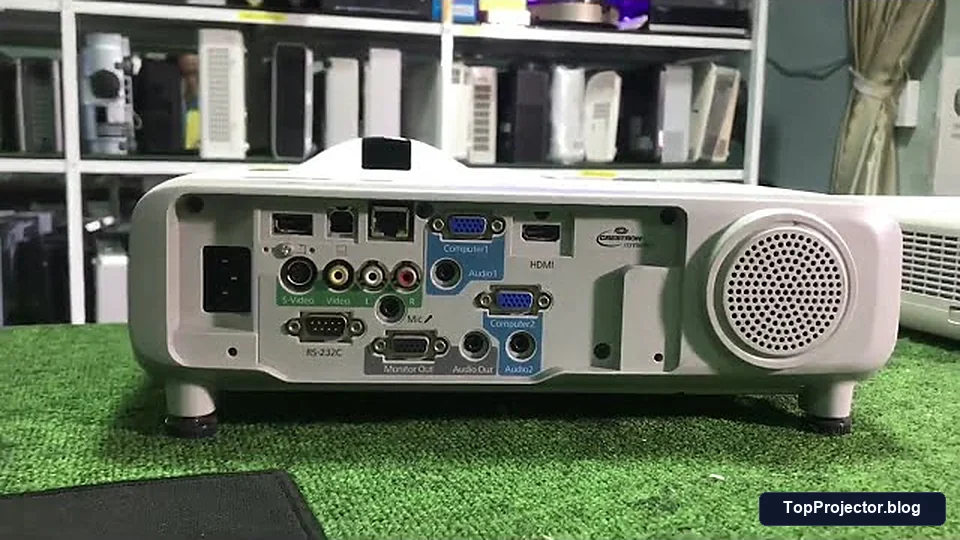
Standard refresh rates of 60Hz handle fluid motion for instructional videos and dynamic presentations. Modern scaler chips process incoming HDMI and VGA feeds cleanly, preventing frame drops during extended administrative use.
- Optimized for interactive touch apps
- Supports stable 60Hz video refresh
- Processes HDMI and VGA feeds cleanly
- Prevents frame drops during video
Legacy Analog vs Digital HDMI Interfacing
Dual HDMI ports, including one with MHL support, allow direct connection to modern streaming sticks and tablets. Digital interfaces maintain uncompressed signal integrity across long cable runs without degradation.
Legacy VGA inputs remain available for older institutional computers still deployed in classrooms. While analog connections require manual phase adjustments, they ensure backward compatibility with vintage hardware.
- Includes dual HDMI with MHL support
- Retains legacy VGA analog inputs
Advanced Calibration for Accurate Color and Ambient Light
Calibrating color modes ensures skin tones and charts appear natural under fluorescent lighting. For advanced testing methodologies, consult our detailed Hisense PX2-PRO review to understand laser contrast metrics.
Lamp management settings allow users to select Eco mode for extended bulb life and quieter fan operation. Regular cleaning of the electrostatic air filter prevents thermal shutdown during heavy daily operational schedules.
- Calibrates color for fluorescent light
- Offers high-brightness presentation mode
- Includes bulb-saving Eco fan settings
- Requires regular air filter cleaning
Managing Ambient Light Rejection in Uncontrolled Spaces
Ambient light washes out projected images, reducing perceived contrast and color saturation. Pairing the EB-535W with an ambient light rejecting screen significantly improves black levels in brightly lit lecture halls.
Controlling window blinds and positioning the projector away from direct overhead fixtures maximizes performance. Proper environmental light control lets the 3,400-lumen lamp deliver punchy, vibrant visuals consistently.
- Pairs well with ALR screen surfaces
- Requires basic room lighting control
Frequently Asked Questions
What is the throw ratio of the Epson EB-535W?
The Epson EB-535W features a 0.48:1 throw ratio for ultra-short-throw setups. This allows you to project a large widescreen image from just inches away from the mounting surface.
How do I calculate the exact distance for an eighty-inch screen?
Multiply your target screen width by the 0.48 optical ratio to find the exact lens distance. Always account for the physical depth of the projector chassis when measuring from the wall surface.
Does this projector support interactive whiteboard functions?
The EB-535W supports pen-based interactivity when paired with optional software and calibration modules. This transforms any standard flat wall or whiteboard into a collaborative digital workspace for classrooms and meetings.
What native resolution does the Epson EB-535W display?
This model provides native 1280x800 WXGA resolution in a 16:10 widescreen format. This pixel count prevents scaling distortion when connecting modern widescreen laptops and high-definition document cameras.
How can I prevent geometric distortion during installation?
Secure the projector to a heavy-duty wall mount to eliminate mechanical sagging and vibration. Rely on physical mounting adjustments rather than digital keystone correction to preserve maximum native image sharpness.